無料オンラインツール
あらゆる写真を Perler ビーズ図案に
画像をアップロードするだけで、正確な色番号とビーズ数付きのビーズ図案が完成。印刷してアイロンで仕上げられます。
なぜ重要なのか
ブラウザ内で完結する、高速で無料のツール。手作りのワークフローを速く、集中した状態に保ちます。
ブラウザ内で完結します。画像がデバイスの外に出ることはありません。
使い方
ブラウザ内で完結する、シンプルな3ステップの流れです。
アップロードまたは選択
画像または開始用の図案を選びます。
設定を調整
サイズや色、その他のオプションを調整します。
結果を書き出す
完成した図案をワンクリックでダウンロード。
できること
正確なマッピング
色がツールのパレットに正確にマッピングされます。
リアルタイムプレビュー
書き出す前に変更を即座に確認できます。
ワンクリック書き出し
結果をそのまま使えるファイルとしてダウンロード。
FAQ
何か作ってみませんか?
このツールを試すか、ラインナップ全体をご覧ください。
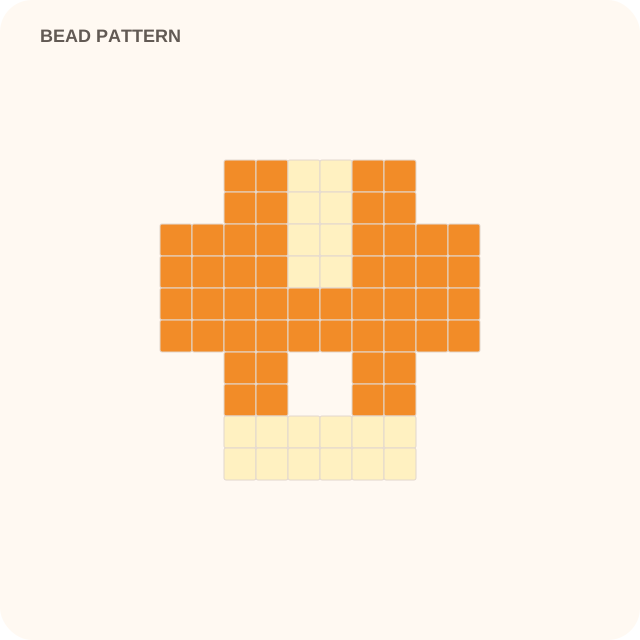
Simple portrait photo → 29 × 29 bead pattern
Verified converter intent
What this converter produces
Upload a photo and produce perler bead pattern with explicit starting defaults. The interactive workspace above performs the conversion in your browser.
- Output
- perler bead pattern
- Starting grid
- 29 cells
- Palette
- 16 colors
- Exports
- PNG, SVG, PATTERN-PDF
Known limitations
- • Busy backgrounds and tiny facial details require manual cleanup.
- • Bead-brand color matching depends on the palette selected in the creator.
Learn before you refine
Practical guidance for this workflow
- Set up a photo-to-pattern conversion that holds togetherA decision order for crop, detail, mode, and palette that makes the first generated result easier to judge.From perler-bead-pattern-maker workflow →
- Choose a grid resolution that preserves the important detailUse physical size, viewing distance, and feature width to choose a conversion grid instead of assuming a larger grid is automatically clearer.From perler-bead-pattern-maker workflow →
tool: perler-bead-pattern-maker · generationpixelmaster toolchain