
Free online tool

Perler Bead Pattern Maker - Turn Photos into Bead Patterns

Upload an image and get a bead-by-bead pattern with exact color codes and counts — ready to print and fuse.

Configure your bead project

Bring these settings into the real studio. Images fit inside the grid without stretching; existing drafts stay saved.

Conversion steps

A simple three-step flow, all in your browser.

  1. Upload or choose

    Pick an image or a starting pattern to work with.

  2. Tune the settings

    Adjust size, colors and other options.

  3. Export the result

    Download the finished pattern in one click.

Perler Bead Pattern Maker - Turn Photos into Bead Patterns — Settings and output

  • grid

    Accurate mapping

    Colors map precisely to the tool’s palette.

  • search

    Live preview

    See changes instantly before you export.

  • download

    One-click export

    Download the result as a ready-to-use file.
FAQ

What size pattern can I make?
Pick from standard board widths — 29, 58 or 87 beads — matching one, two or three Perler boards.
Do I need an account?
No. This tool runs entirely in your browser — no sign-up needed.
Is my image uploaded anywhere?
No. Everything is processed locally on your device.
Is it free?
Yes, it is completely free to use.
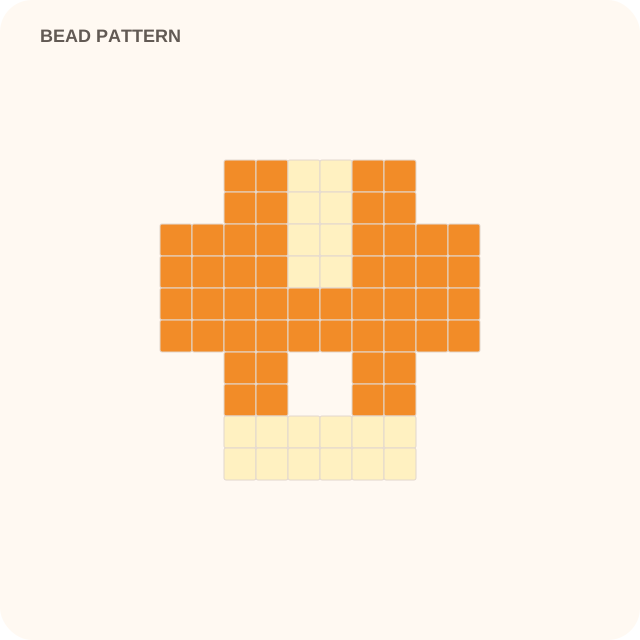
29 × 29 bead pattern example

Simple portrait photo → 29 × 29 bead pattern

Verified converter intent

What this converter produces

Upload a photo and produce perler bead pattern with explicit starting defaults. The interactive workspace above performs the conversion in your browser.

Output
perler bead pattern
Starting grid
29 cells
Palette
16 colors
Exports
PNG, SVG, PATTERN-PDF

Known limitations

  • • Busy backgrounds and tiny facial details require manual cleanup.
  • • Bead-brand color matching depends on the palette selected in the creator.
Open with these defaults
tool: perler-bead-pattern-maker · generationpixelmaster toolchain